String matching tools
String Algorithm Visualizers
Step through pattern matching, prefix arrays, rolling hashes, edit operations, and subsequence dynamic programming without leaving the browser.
Use this hub when characters and their order matter
This collection separates exact substring search from string similarity. Pattern tools look for one contiguous match; dynamic-programming tools measure edits or preserve relative character order.
Choose a string algorithm by matching task
Use pattern-search tools for exact substring matches and dynamic-programming tools when the question is about edits or relative character order.
Find an exact pattern
Use KMP to reuse prefix information, Rabin Karp to compare rolling hashes, or the Z algorithm to reuse prefix-match ranges.
Measure how strings differ
Use edit distance when insertions, deletions, and substitutions determine the cost of transforming one string into another.
Find shared character order
Use longest common subsequence when matching characters must stay in order but do not need to be adjacent.
Compare or test text directly
Use text compare, regex tester, and word counter for practical text inspection without running an algorithm trace.
Compare string algorithms by the answer you need
Exact pattern algorithms all find substrings, but they reuse different information. Edit distance and LCS answer different similarity questions with two-dimensional state.
| Visualizer | Best for | Important constraint | Typical time |
|---|---|---|---|
| KMP String Matching Visualizer | Deterministic exact matching with reusable prefix information | Build the longest-prefix-suffix table for the pattern first | O(text + pattern) |
| Rabin Karp Visualizer | Rolling-hash matching and comparing multiple candidate windows | Equal hashes still need a character check because collisions exist | Average O(text + pattern) |
| Z Algorithm Visualizer | Prefix-based matching and inspecting repeated prefix ranges | Combine pattern and text with a separator not present in either | O(text + pattern) |
| Edit Distance Visualizer | Minimum insertions, deletions, and substitutions | The result measures transformation cost, not a contiguous match | O(n × m) |
| Longest Common Subsequence Visualizer | Characters shared in order without requiring adjacency | A subsequence is not the same as a substring | O(n × m) |
Pattern matching
Compare prefix-based matching, rolling hashes, possible collisions, and Z-box expansion for substring search.
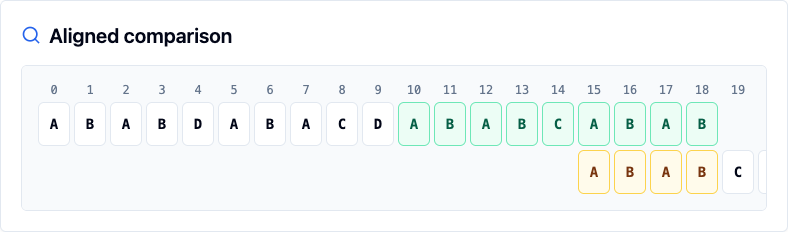 KMP String Matching Visualizer Visualize KMP string matching online. Enter text and pattern, build the LPS table, and step through comparisons, fallbacks, and match indexes.
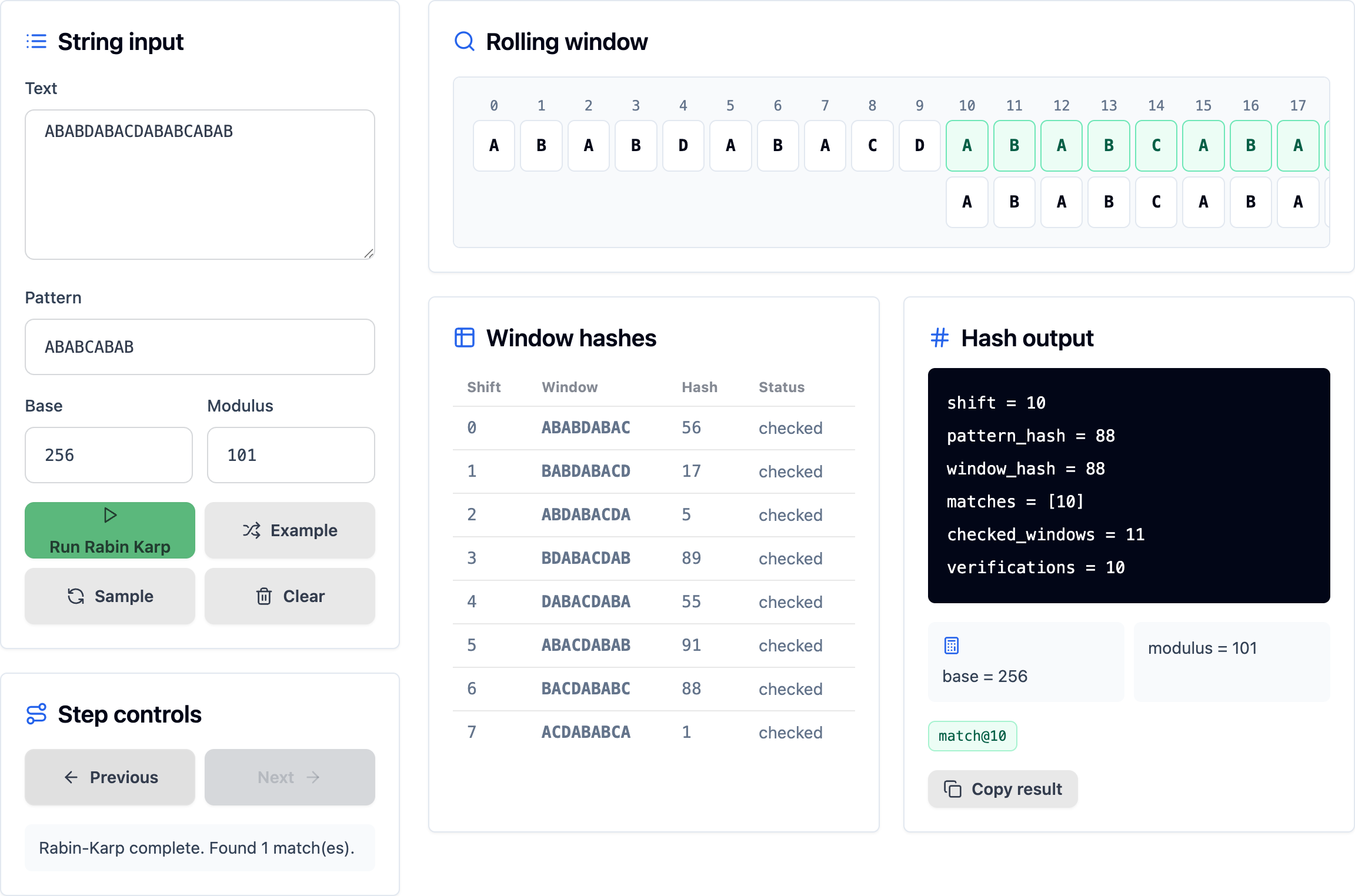 Rabin Karp Visualizer Visualize Rabin-Karp string matching online. Enter text and pattern, adjust base and modulus, then step through rolling hash checks. Z Algorithm Visualizer Visualize the Z Algorithm online. Enter text and pattern, build the combined string, inspect Z-box reuse, and find pattern match indexes.
String dynamic programming
Inspect edit operations, table transitions, backtracking, and subsequence choices across two strings.
Adjacent developer text tools
Use browser text utilities next to the visualizers when you need to compare content or test regular expressions.
Related tool hubs
String Algorithm Visualizers FAQ
The string hub links to KMP, Rabin Karp, and Z Algorithm visualizers for comparing different substring search approaches.
Use the Edit Distance Visualizer to inspect insert, delete, replace, and match decisions in a dynamic programming table.
Yes. They are designed for small practice inputs and common interview patterns such as pattern matching, subsequences, and edit distance.